Choose your spot
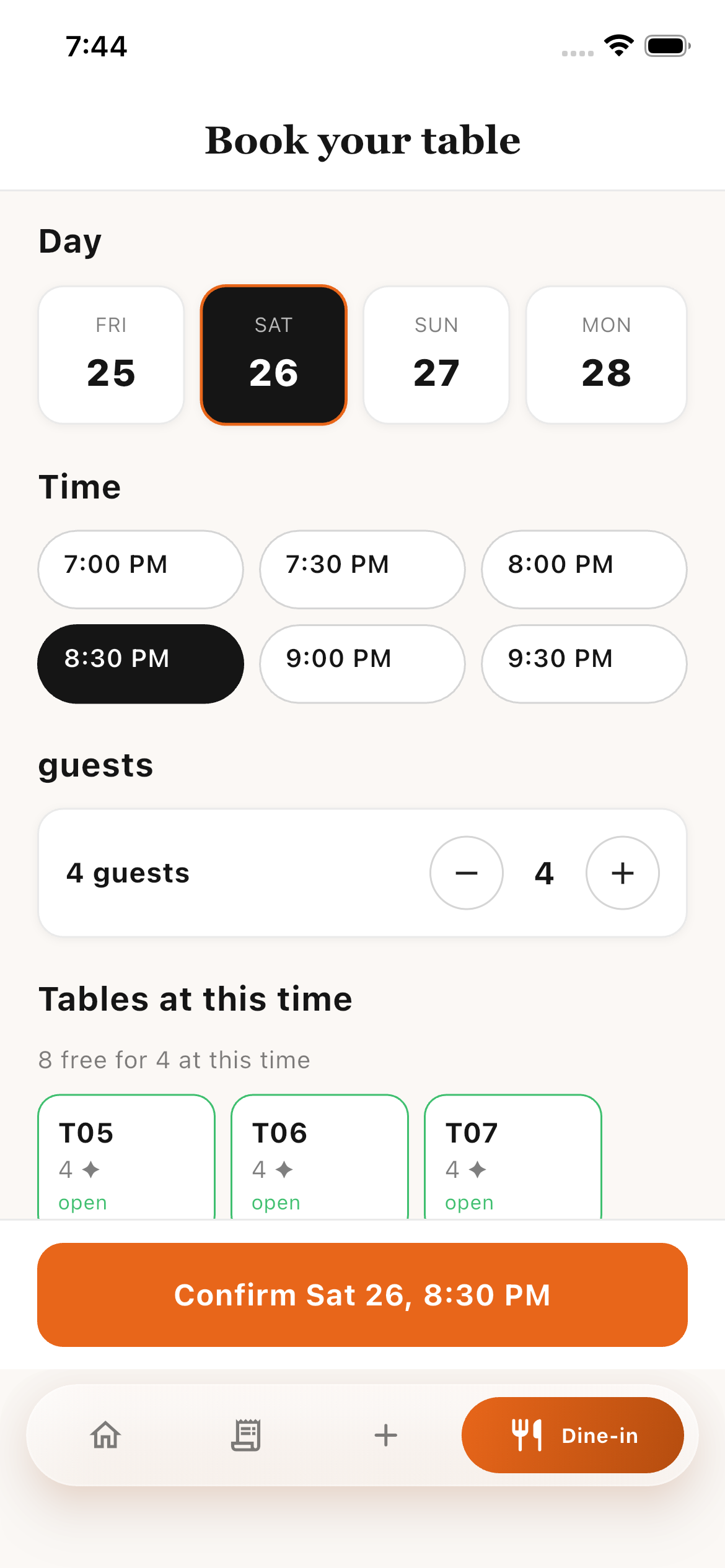
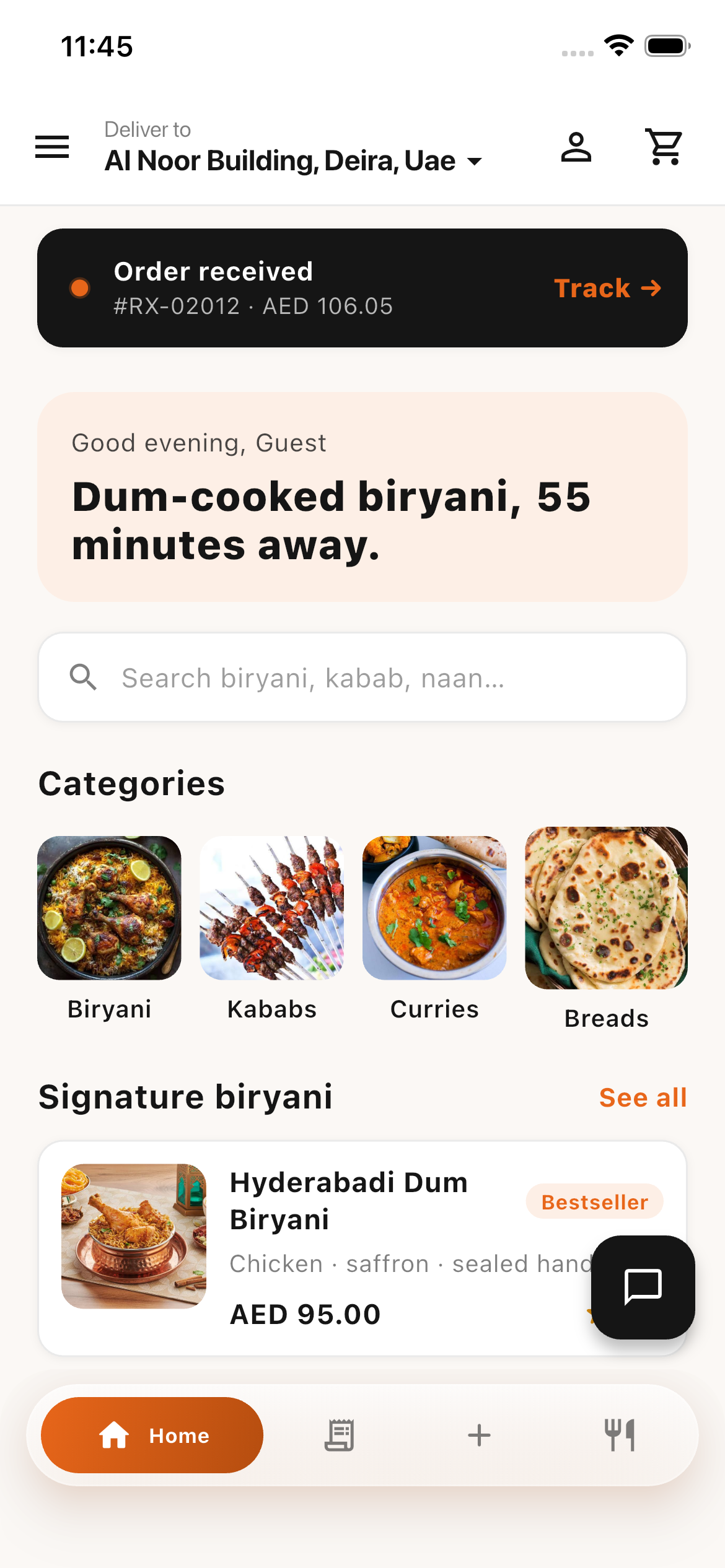
Open the app, select your branch, and set your delivery address or dine-in details.
 Get the app
 YOUR NEXT GREAT MEAL STARTS HERE
Order your favourites, book a table, and follow every delivery. Meet Serveo — connecting hungry customers, riders, and restaurant teams.
Android APK available through Google Drive.
No installation needed for the web demo.
MEET THE APP
From choosing your meal to finding your table, everything has a place.
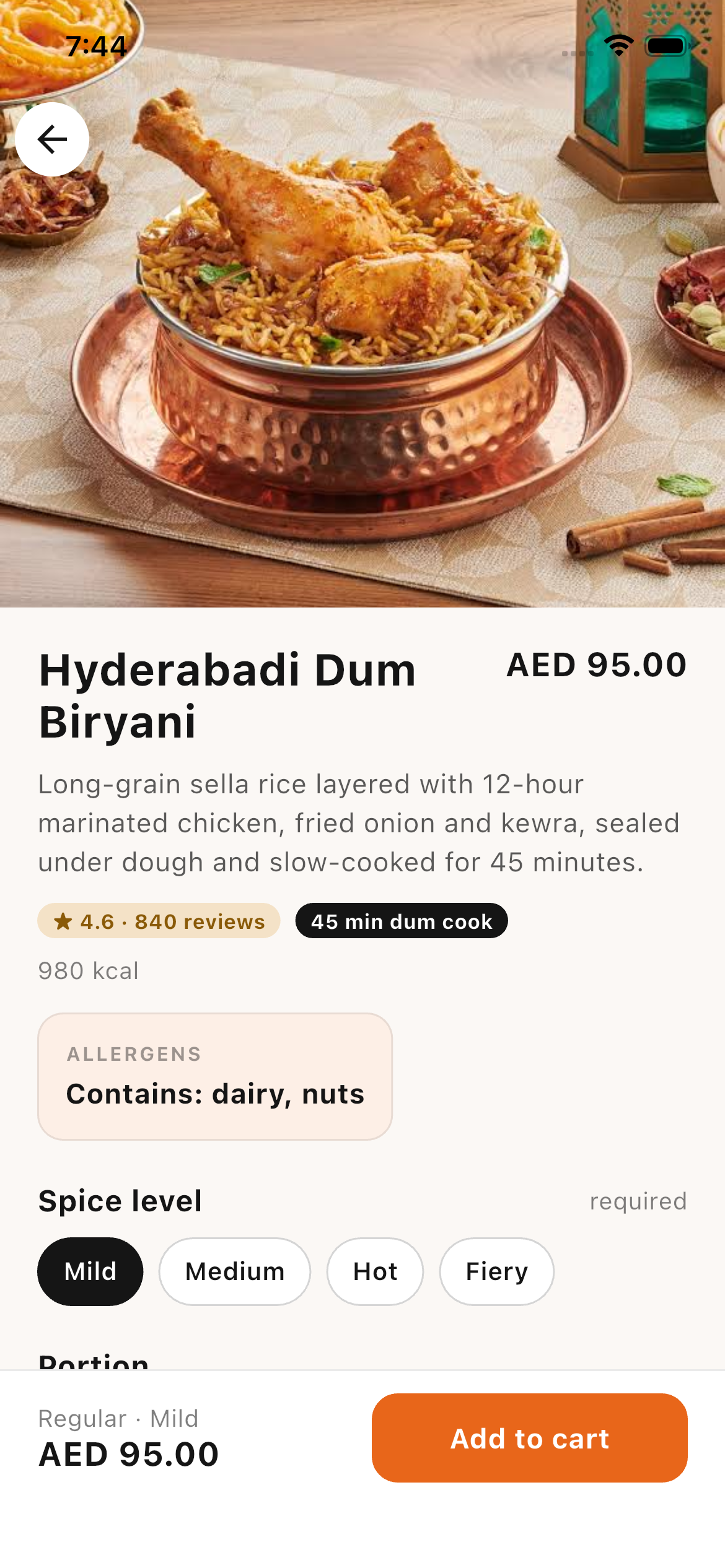
Explore the menu, choose your portion, adjust the spice, and add the extras you love. Your cart stays a tap away.
A CLOSER LOOK
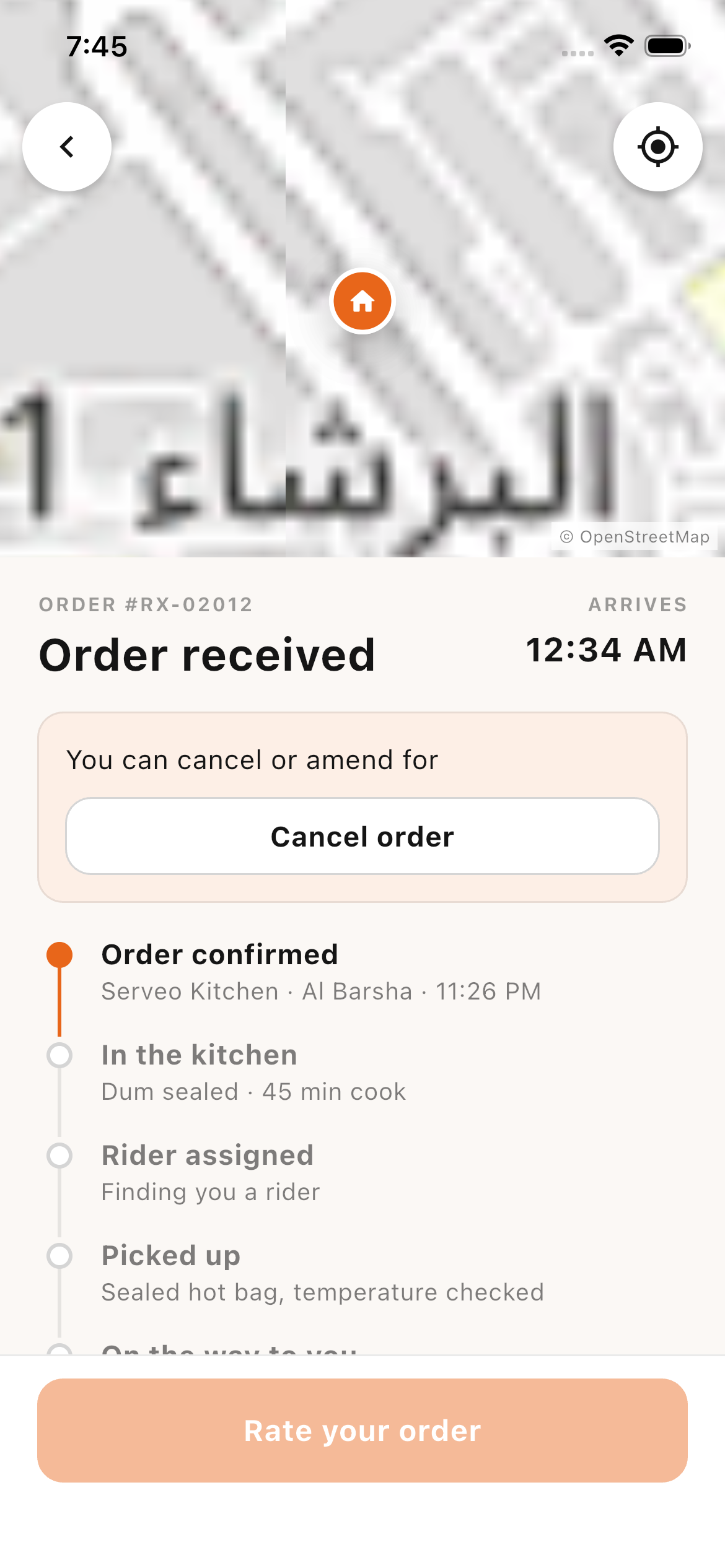
Real screens from the app. Select a screen to take a closer look.
FROM APP TO APPETITE
Open the app, select your branch, and set your delivery address or dine-in details.
Browse the menu, customise a dish, and add it to your cart. Review your order before checkout.
Check your order status and delivery progress. Need a hand? Open support or call the restaurant.
BEHIND EVERY GREAT DELIVERY
Serveo brings the customer experience and the work behind it together. Riders have their own tools, and restaurant teams have a dedicated web portal.
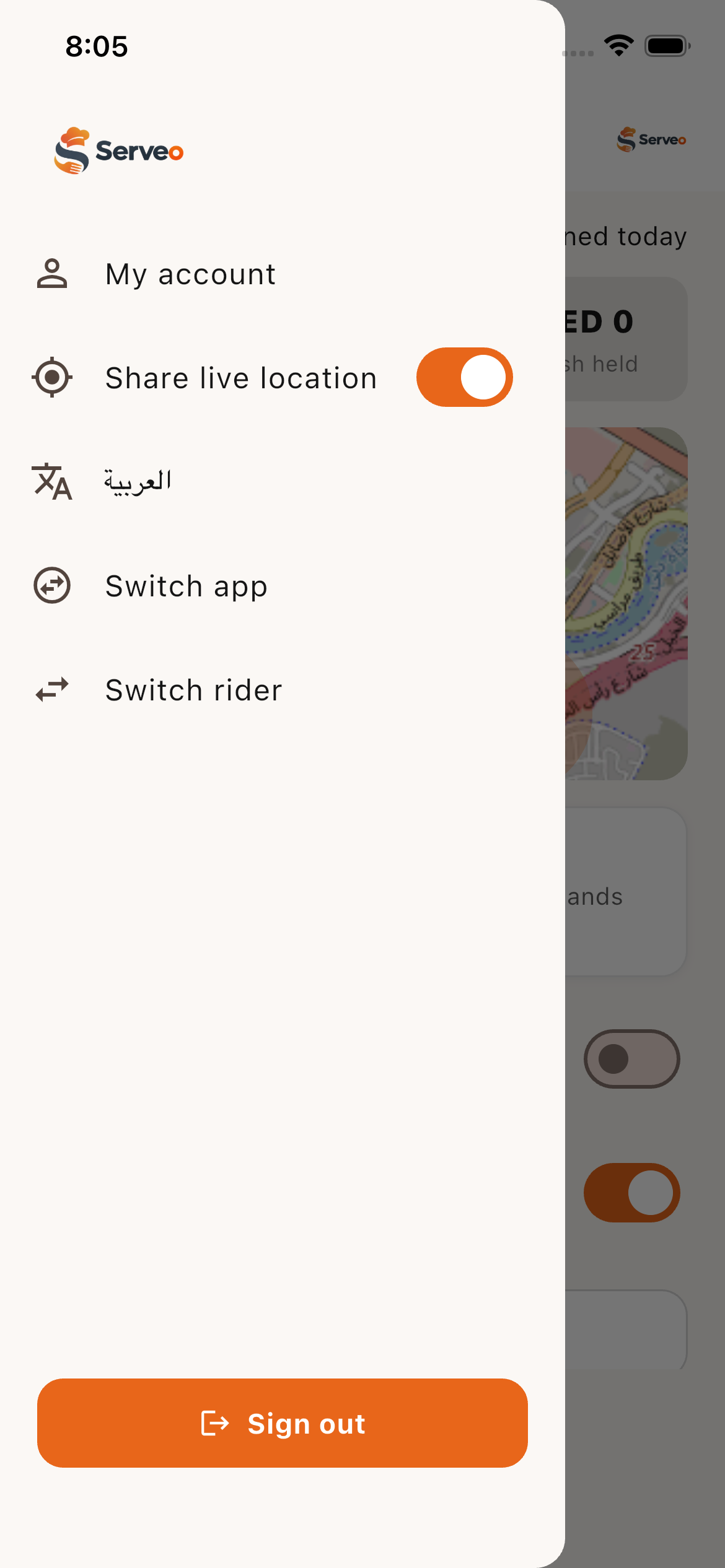
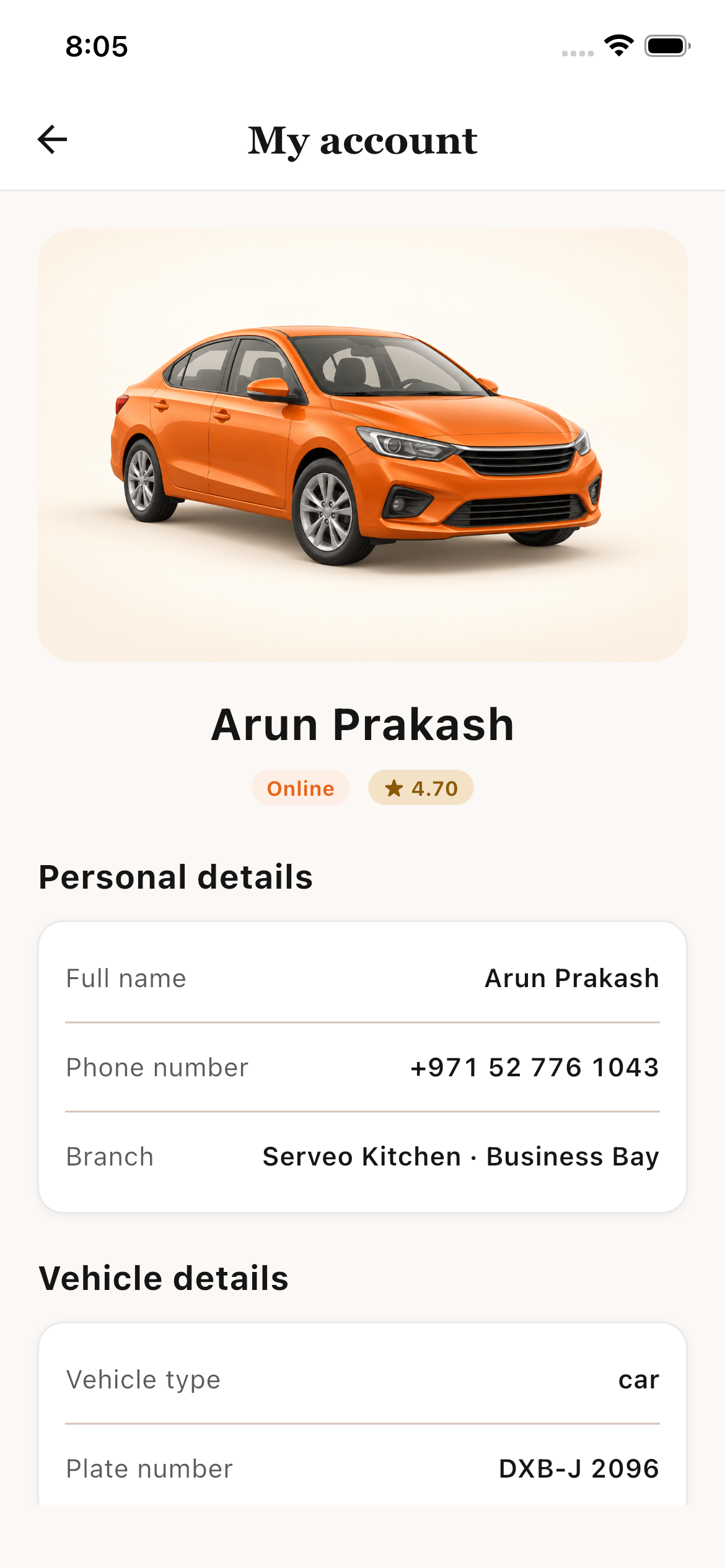
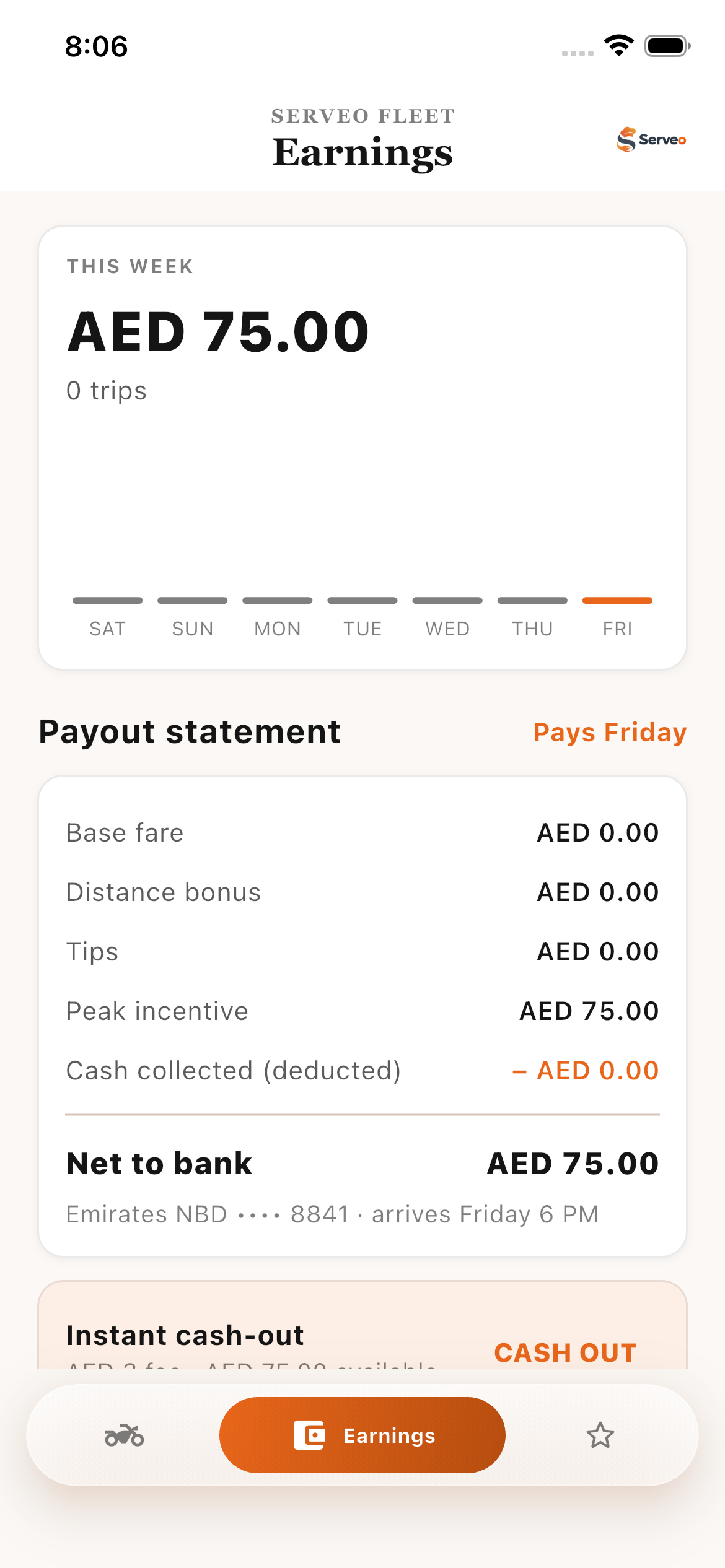
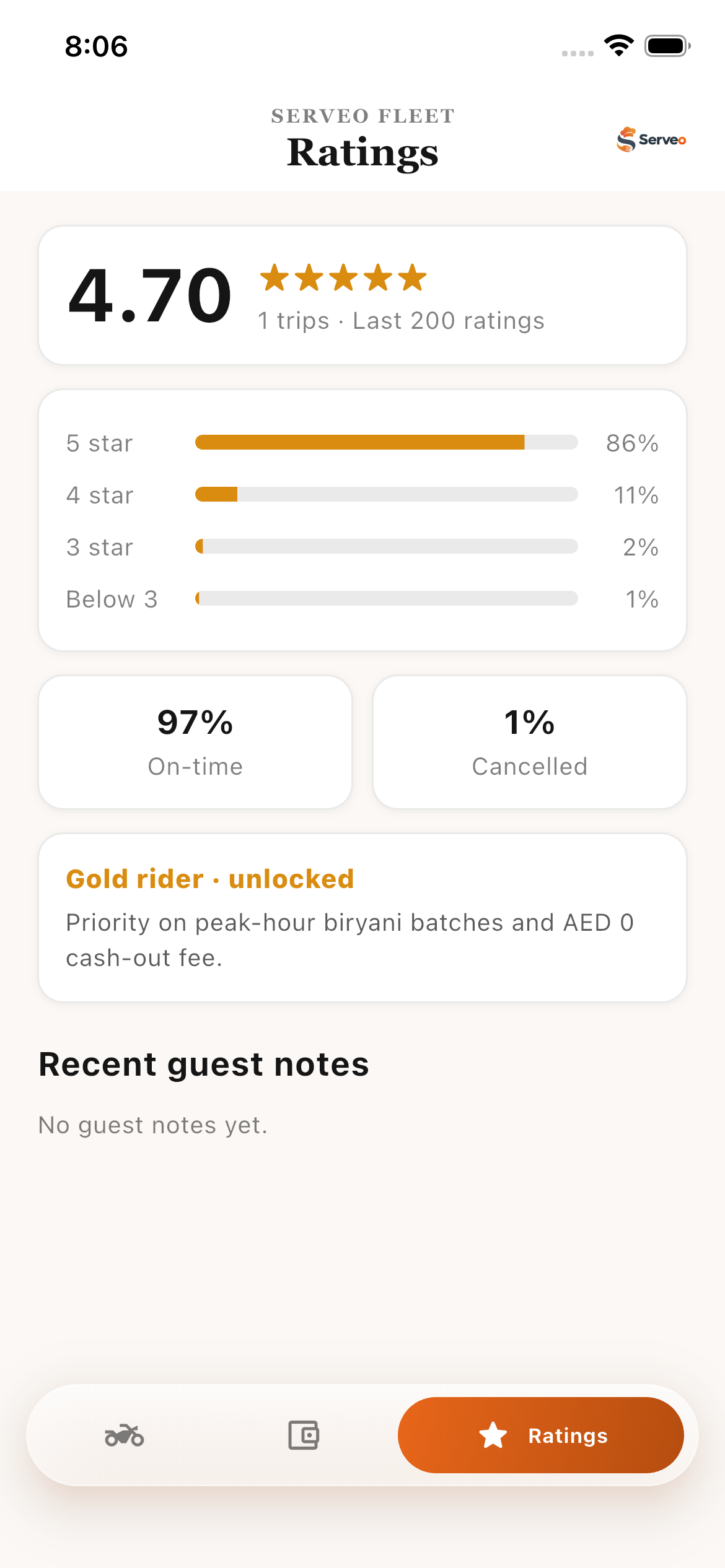
Manage availability, follow pickup and drop-off steps, share live location, and view earnings and ratings.
Sign in to the staff portal to access the restaurant’s administration workspace.
Staff sign-in required. Go directly to HQ ↗
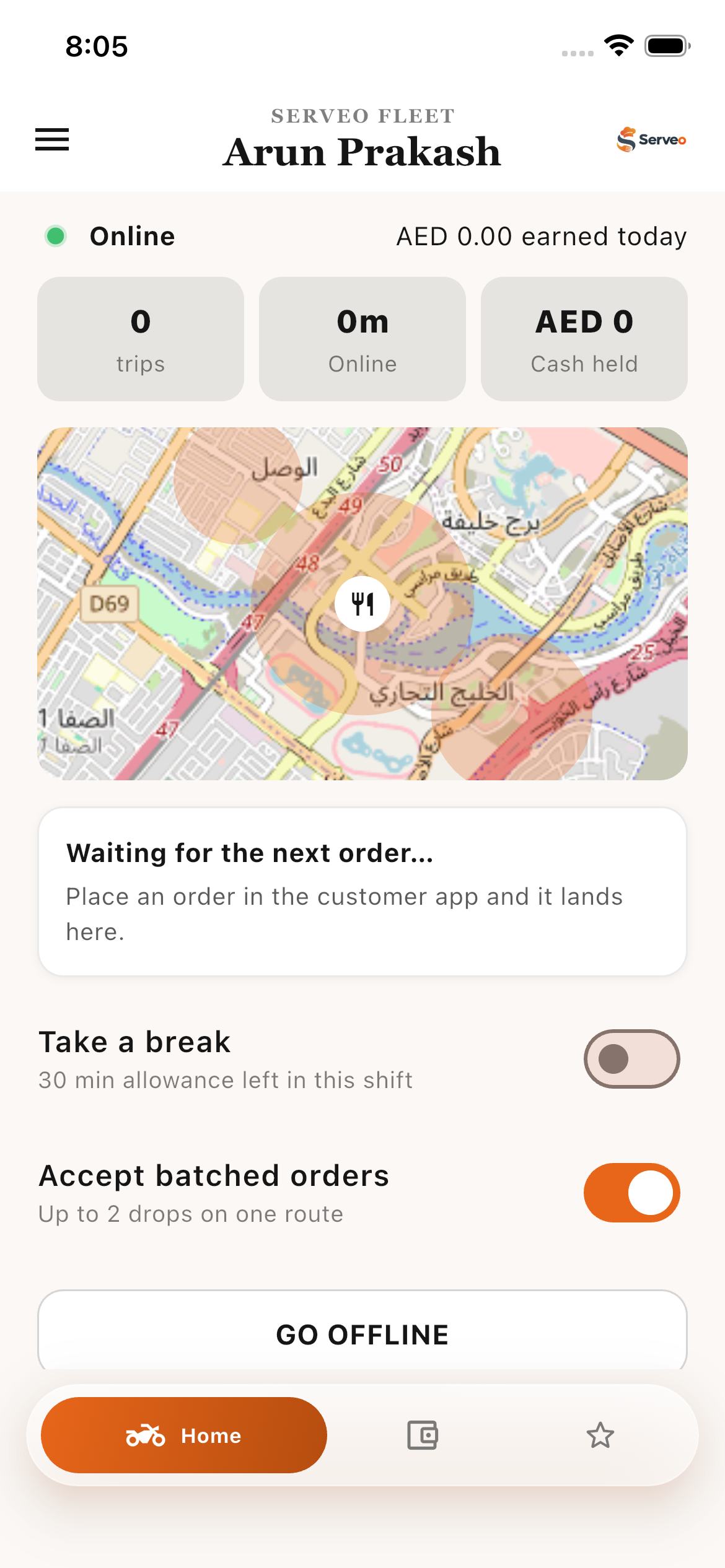
INSIDE SERVEO FLEET
Explore the home screen, account, menu, earnings, and ratings. Select any screen to see it in full.
TAKE SERVEO WITH YOU
Install the Android app, or get a feel for Serveo in your browser.
Android phones only. iPhone users can explore the web demo.
A FEW THINGS TO KNOW
Yes. Choose “Try the web demo” to open Serveo in your browser. It connects to the existing Serveo service; check your details before submitting any order or reservation.
The download provided here is an Android APK. It cannot be installed on an iPhone. You can use the web demo from an iPhone browser.
Use “Open admin web portal” and sign in with your staff account. The HQ link takes you to the administration area when you have the right access.
Riders can manage their availability, handle order requests, follow pickup and delivery steps, and see their earnings, ratings, and account details.